
A patient does not arrive on your website as a neutral observer. They may be in pain, embarrassed about a dental issue, comparing LASIK options, looking for a chiropractor after an injury, or trying to understand whether a specialist is worth calling. In that moment, your website has one job before anything else: make the practice feel credible, clear, and safe.
That is why company web page design matters so much for healthcare practices. It is not just a branding exercise. The right page structure can lower doubt, answer urgent questions, and help someone feel confident enough to book.
The tips below focus on trust-building design choices that work quickly, especially for dental, vision, pain, physical therapy, and specialty medical practices.
Why trust has to happen before your page can convert
In healthcare marketing, trust is the conversion path. A visitor will not fill out a form, call, or schedule a consultation if the page creates uncertainty. They need to know who you are, what you treat, whether you are qualified, where you are located, and what happens next.
Nielsen Norman Group research on web page attention has long shown that users often decide quickly whether a page is worth their time. For healthcare practices, that short decision window is even more important because the stakes feel personal.
A strong healthcare company web page design answers three questions almost immediately:
- Am I in the right place? The page should make the specialty, location, and patient type obvious.
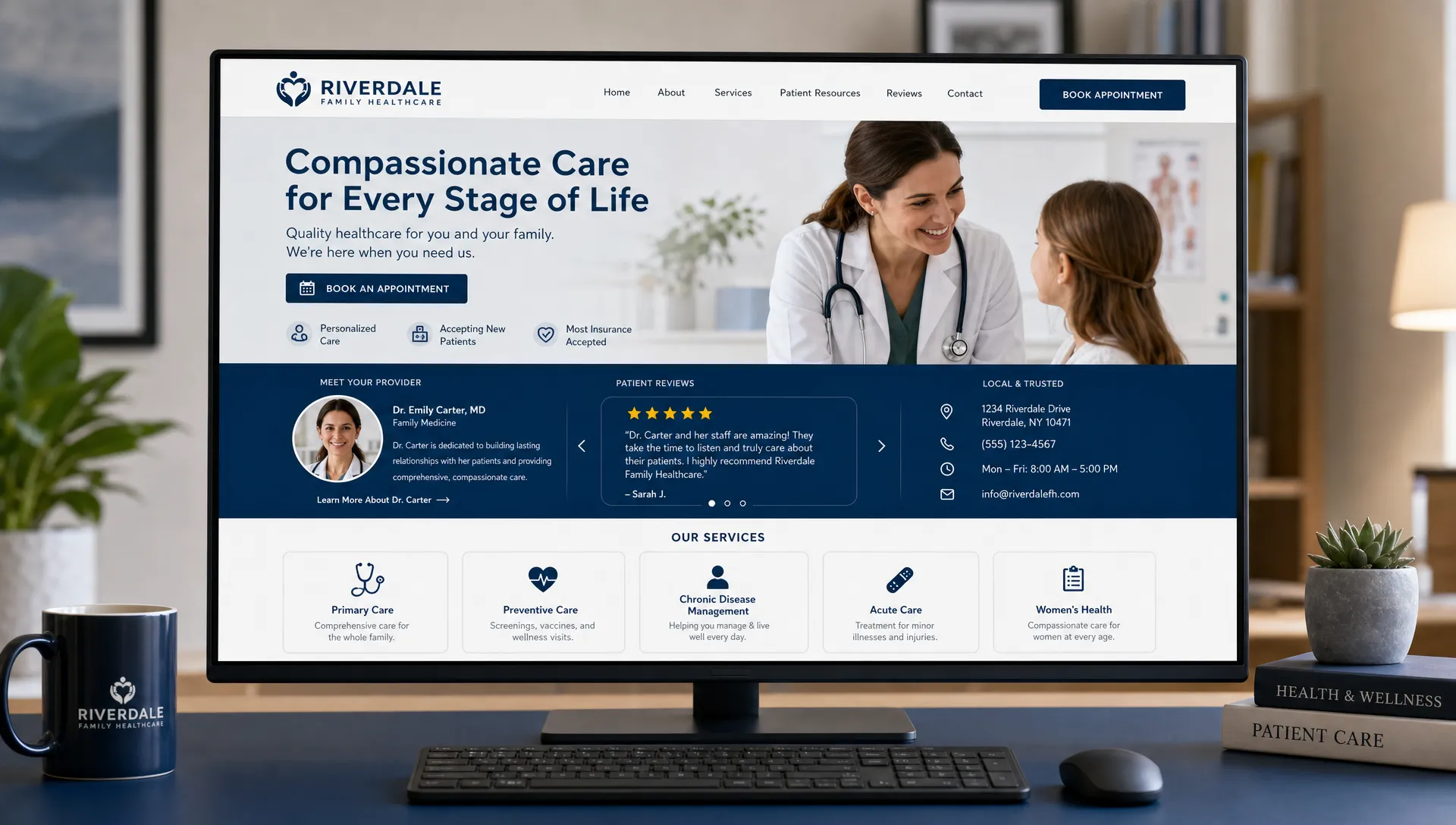
- Can I trust this practice? The design should surface credentials, reviews, real photos, and proof of experience.
- What should I do next? The call to action should be visible, simple, and low-friction.
If any of those answers are missing, visitors start comparing you to the next practice in search results.
Make the first screen specific, not generic
The top section of your page, often called the hero area, should not be vague. Phrases like Quality care you can trust or Welcome to our practice may sound pleasant, but they do not tell patients why they should stay.
Instead, use the first screen to communicate your specialty, location, and most important patient outcome. A dental implant specialist, dry eye clinic, orthodontist, or pain physician should not look interchangeable with every other local practice.
| Page element | Generic version | Trust-building version |
|---|---|---|
| Headline | Welcome to our clinic | Dental implant care in Louisville for patients ready to restore confident chewing |
| Subhead | We provide excellent service | Consult with an experienced team, review your options, and get a clear treatment plan |
| CTA | Learn more | Schedule a consultation or call the office |
| Proof strip | None | 500+ patient reviews, same-week consults, financing available, local address |
| Visual | Stock smiling family | Real provider, office, team, or treatment environment |
The goal is not to make the page louder. The goal is to make it easier to understand. A clear first screen gives anxious patients a reason to keep reading.
Put proof where doubt appears
Trust signals work best when they are placed near decisions. Do not hide all of your credibility in a footer or an About page. If a visitor is about to request an appointment, choose a procedure, or compare providers, proof should be nearby.
For healthcare practices, useful proof can include patient reviews, professional credentials, years in practice, before-and-after examples where appropriate, accepted insurance information, technology, associations, and recognizable local details.
| Trust signal | Why it matters | Best placement |
|---|---|---|
| Review rating and review excerpts | Shows real patient confidence | Near the hero, service sections, and CTAs |
| Provider credentials | Reduces concern about expertise | Provider cards, service pages, consultation sections |
| Real office photos | Makes the practice feel familiar before arrival | Homepage, contact page, new patient page |
| Location and phone number | Confirms local relevance and legitimacy | Header, footer, contact blocks |
| Treatment process | Helps patients know what to expect | Service pages and consultation sections |
| Accreditations or associations | Supports authority without overexplaining | Near provider bios or specialty service sections |
A niche practice should also use design to clarify its philosophy. That kind of positioning helps the right patients self-select and feel they have found a practice aligned with their values.
Replace stock-photo polish with recognizable humanity
Healthcare websites often lose trust because they look too generic. A polished template with perfect stock photos may look modern, but it can also make patients wonder whether the practice is real, local, or different from competitors.
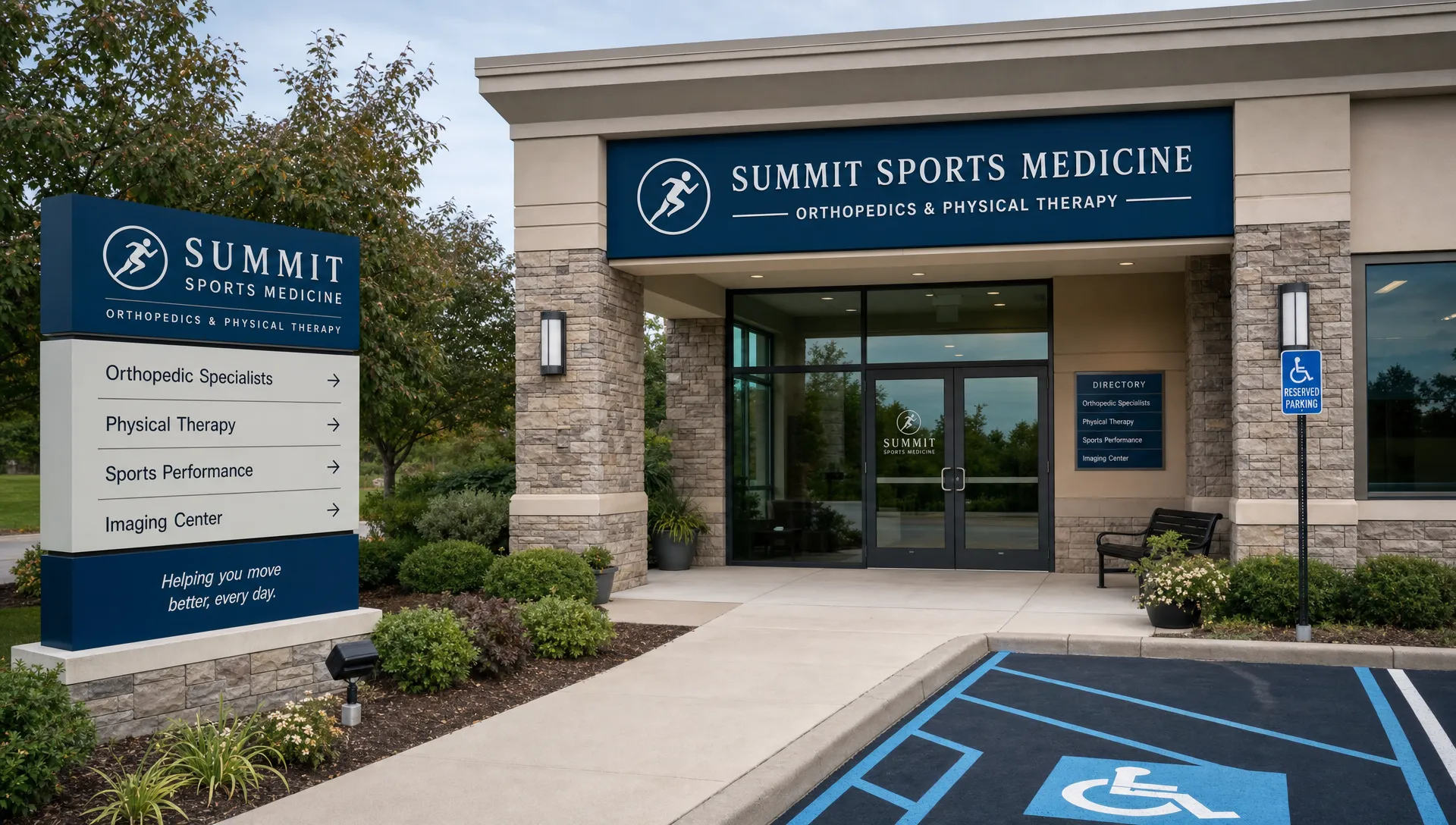
Whenever possible, use authentic images of the office, providers, team, exterior signage, treatment rooms, and patient experience. Professional photography helps, but authenticity matters more than perfection. A warm provider photo can build more confidence than a generic image of a smiling model in a white coat.
This is especially important for pediatric dentistry, orthodontics, chiropractic care, physical therapy, and procedures that require multiple visits. Patients are not just choosing a service. They are choosing people they may see repeatedly.
If you cannot schedule a full photo shoot yet, start with a few high-impact images. A real provider portrait, a team photo, and a clean office image can make the website feel more grounded right away.
Design for the mobile patient in a hurry
Many healthcare searches happen on a phone, often during a break at work, in a parking lot, or while a patient is dealing with discomfort. If your mobile page is hard to use, trust drops fast.
Mobile trust is about more than responsive sizing. The visitor should be able to call, book, confirm your location, read reviews, and understand the service without pinching, zooming, or hunting through a crowded menu.
Practical mobile improvements include a sticky call button, tap-friendly navigation, short paragraphs, fast-loading images, clear service buttons, and appointment CTAs placed after key sections. For a deeper look at how mobile structure affects bookings, Louisville Web Lab has a guide to responsive web design tips for practices.
| Mobile issue | How it damages trust | Better design choice |
|---|---|---|
| Tiny phone number | Makes contacting the office feel difficult | Use tap-to-call buttons in the header and footer |
| Long blocks of text | Feels overwhelming on a small screen | Use short sections with clear headings |
| Slow image loading | Makes the practice feel outdated | Compress images and prioritize core page speed |
| Hidden location details | Creates uncertainty about convenience | Show address, map link, and parking notes where helpful |
| Hard-to-find CTA | Causes motivated patients to leave | Repeat appointment actions throughout the page |
Make service pages feel calm and complete
A homepage can build general confidence, but service pages often close the trust gap. Someone searching for dental implants, Invisalign, cataract surgery, dry eye treatment, sciatica care, regenerative medicine, or physical therapy is usually looking for specific answers.
A strong service page should explain the condition or need, who is a good candidate, what the consultation involves, what treatment options may be discussed, and what the next step looks like. It should avoid exaggerated promises and use plain language instead of dense clinical jargon.
This is where healthcare design and SEO overlap. Search engines need clear, organized content, but patients need the same thing. A page that is structured around real patient questions tends to feel more trustworthy and perform better in search.
Good service page sections often include:
- A clear overview of the service and who it helps
- Symptoms, goals, or patient concerns the service addresses
- What happens during the first visit or consultation
- Provider expertise and relevant technology
- Reviews or testimonials related to that service when available
- A simple CTA to schedule, call, or request more information
Use design signals that say safe, modern, and legitimate
Patients may not consciously evaluate technical details, but they notice when a website feels broken, outdated, or risky. A modern healthcare website should communicate safety through both visible and invisible design choices.
Start with basics like HTTPS, a visible privacy policy, clear contact information, and forms that only ask for what is necessary. If your forms collect sensitive patient information, make sure your systems and vendors are appropriate for healthcare use. This is not just a design issue. It is a trust issue.
Performance matters too. Google defines Core Web Vitals as user experience signals related to loading, interactivity, and visual stability. Patients may not know those terms, but they feel the impact when a page loads slowly or jumps while they are trying to tap a button.
Accessibility also supports trust. Following WCAG accessibility guidance helps more people use your site, including patients with low vision, motor limitations, or temporary impairments. For eye care, pain, orthopedic, and senior-focused practices, accessible design is especially important.
| Design signal | What patients feel | Practical improvement |
|---|---|---|
| Fast load time | This practice is modern and organized | Compress images, reduce unnecessary scripts, use quality hosting |
| HTTPS and privacy links | My information is being handled seriously | Display secure site status and privacy information clearly |
| Accessible contrast | I can read this without strain | Use legible fonts and strong color contrast |
| Stable mobile layout | This site is easy to use | Prevent shifting buttons and late-loading elements |
| Clear form expectations | I know what I am submitting | Label forms clearly and confirm what happens next |
Keep calls to action clear and low-friction
Trust-building design should lead naturally to action. Once a visitor feels confident, do not make them work to become a patient.
Choose one primary action for each page. For many healthcare practices, that action is Request an Appointment, Schedule a Consultation, or Call Now. Secondary actions can support different patient preferences, but they should not compete visually with the primary CTA.
A good CTA area should include the action, reassurance, and a next-step expectation. For example, a consultation section might say that a team member will follow up to confirm details, or that new patients can call to discuss availability. Avoid making promises about clinical outcomes, but do remove uncertainty around the booking process.
If your practice is investing in paid ads or SEO, conversion structure becomes even more important. A page can rank well or get clicks and still underperform if the booking path is unclear. For more practical conversion ideas, review these lead generation website tips and adapt them to your patient journey.
A fast trust audit for your company web page design
You do not need a full redesign to spot trust problems. Open your website on a phone and review the homepage, one major service page, and the contact page. Then ask whether a first-time patient could understand and act without confusion.
| Trust audit question | Passes if | Needs work if |
|---|---|---|
| Is the specialty clear in 5 seconds? | The headline names the service, audience, or location | The page could belong to any business |
| Is there visible proof? | Reviews, credentials, photos, and local details appear early | Proof is buried or missing |
| Is the next step obvious? | The CTA is visible without searching | Visitors must scroll or open menus to act |
| Is the page mobile-friendly? | Text, buttons, and phone links are easy to use | Users must zoom or hunt for contact options |
| Does the page feel current? | Photos, design, and content look maintained | The site feels dated or abandoned |
| Are patient concerns answered? | Cost, process, comfort, timing, and expectations are addressed where relevant | The page only lists services with little explanation |
A simple rule helps: if a patient would have to call just to understand what you offer, your page is not doing enough trust-building work.
Common mistakes that weaken trust fast
Some design choices look harmless but quietly reduce confidence. Too many popups, auto-playing videos, vague service descriptions, outdated copyright dates, missing provider bios, and inconsistent branding can all make a practice feel less reliable.
Another common issue is overdesign. Animation, dramatic layouts, and clever copy can be effective in some industries, but healthcare visitors usually want clarity first. If the design makes information harder to find, it is working against the practice.
The best healthcare websites feel professional, calm, and direct. They show enough personality to be memorable, but they never make patients decode the basics.
Frequently Asked Questions
What is the most important part of company web page design for healthcare practices? The most important part is clarity. Patients should quickly understand what you do, where you are located, why they can trust you, and how to schedule or call.
How fast should a healthcare website build trust? It should build trust within the first few seconds. The first screen should include a clear headline, visible CTA, local relevance, and at least one credibility signal such as reviews, credentials, or real practice imagery.
Do patient reviews really belong on the homepage? Yes, if they are used ethically and accurately. Reviews help reduce uncertainty, especially when placed near appointment CTAs, service sections, or provider introductions.
Should healthcare websites use stock photos? Stock photos can be used sparingly, but real photos usually build more trust. Patients want to see the providers, office, and environment they may visit.
How often should a practice update its website design? A practice should review its website at least annually and update major trust elements whenever services, providers, technology, hours, or patient expectations change.
Build a healthcare website patients can trust quickly
Your website should do more than look professional. It should help patients feel confident, understand their options, and take the next step toward care.
Louisville Web Lab helps healthcare practices connect website design, SEO, Google Ads, automation, and patient acquisition strategy so more visibility can turn into booked appointments. If your current site looks fine but does not build trust or generate enough patient inquiries, book a diagnostic strategy call with Louisville Web Lab and get a clearer plan for growth.