
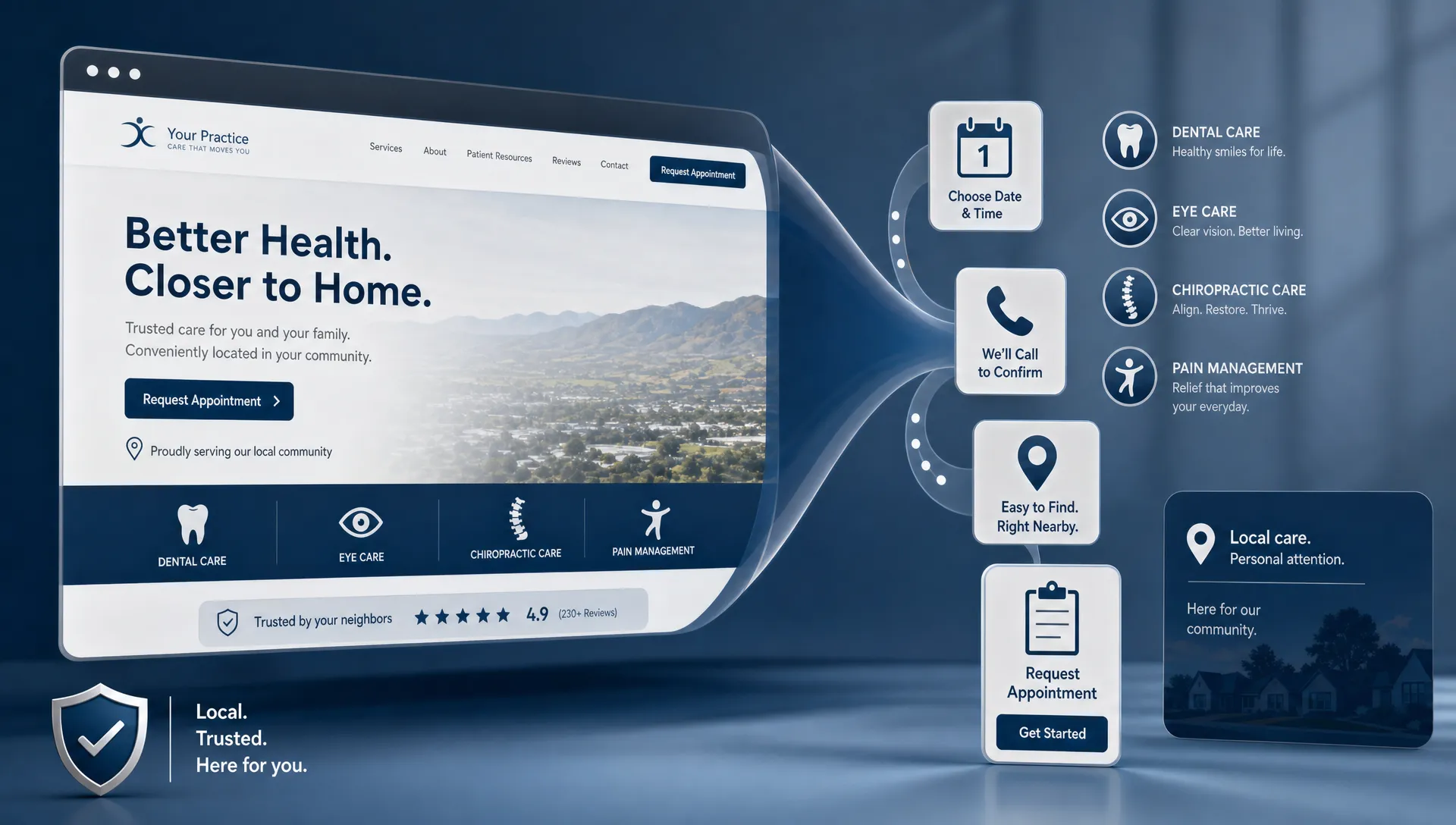
Creating a healthcare website is not the same as putting a brochure online. For a dental office, optometry clinic, chiropractic practice, pain clinic, or specialty provider, the website has one practical job: help the right people feel confident enough to call, request an appointment, or take the next step.
If you are trying to create a website for business growth, traffic alone is not the finish line. A busy website that does not generate qualified patient inquiries is just another expense. A patient-booking website connects four things: local visibility, trust, clear information, and a low-friction path to scheduling.
Here is how to build a business website that looks professional, supports local SEO, and turns more healthcare visitors into booked patients.
Start with the appointment, not the design
Before choosing colors, templates, photos, or a web platform, define what a successful visit should produce. In healthcare marketing, the most valuable action is usually not a vague contact form submission. It is a call, an appointment request, a consultation request, a directions click, or a new patient inquiry that your team can actually convert.
That means every major page should be planned backward from the appointment. Ask what a new patient needs to know before taking action. They may want to understand whether you treat their condition, where you are located, whether you accept their type of patient situation, how quickly they can be seen, and what makes your practice trustworthy.
A website that books patients usually does three things well. It answers the patient’s immediate question, reduces uncertainty, and makes the next step obvious. If a visitor has to hunt for the phone number, decode your services, or wonder whether you serve their location, they are more likely to return to Google and choose another practice.
Define the exact patients you want to attract
A strong business website is not built for everyone. It is built around the best-fit patients you want more of.
For example, a cosmetic dentist may want patients researching veneers, whitening, bonding, or smile makeovers. An orthodontist may need pages for braces, Invisalign-style treatment options, adult orthodontics, and pediatric consultations. An optometrist may focus on eye exams, dry eye, contact lenses, and medical eye care. A pain physician may need pages that explain conditions, procedures, and referral pathways in language patients can understand.
This matters because patients do not search the web like clinicians talk inside the practice. They search with symptoms, goals, locations, and concerns. A patient might search for tooth pain near me, dry eye treatment in Louisville, chiropractor for sciatica, or knee pain specialist. Your website should bridge that gap between clinical expertise and patient language.
A useful planning question is: what does this patient already believe, fear, or misunderstand before they land on this page? The answer should shape your copy, page structure, calls to action, and trust signals.
Build the pages patients actually need
Many healthcare websites fail because they rely on one generic services page. That makes it harder for patients to find relevant information and harder for search engines to understand what the practice should rank for.
A better structure is to create a focused page for each important service, condition, or treatment category. Each page should be specific enough to answer patient questions, but simple enough for a non-clinical reader to follow.
| Website page | Patient purpose | Booking-focused element |
|---|---|---|
| Homepage | Confirm who you help, where you are, and why you are credible | Clear call button and appointment request option above the fold |
| Service pages | Explain treatments, conditions, outcomes, and what to expect | Service-specific appointment prompt and FAQs |
| Location page | Help local patients confirm proximity, hours, parking, and contact details | Map, phone number, directions, and local proof |
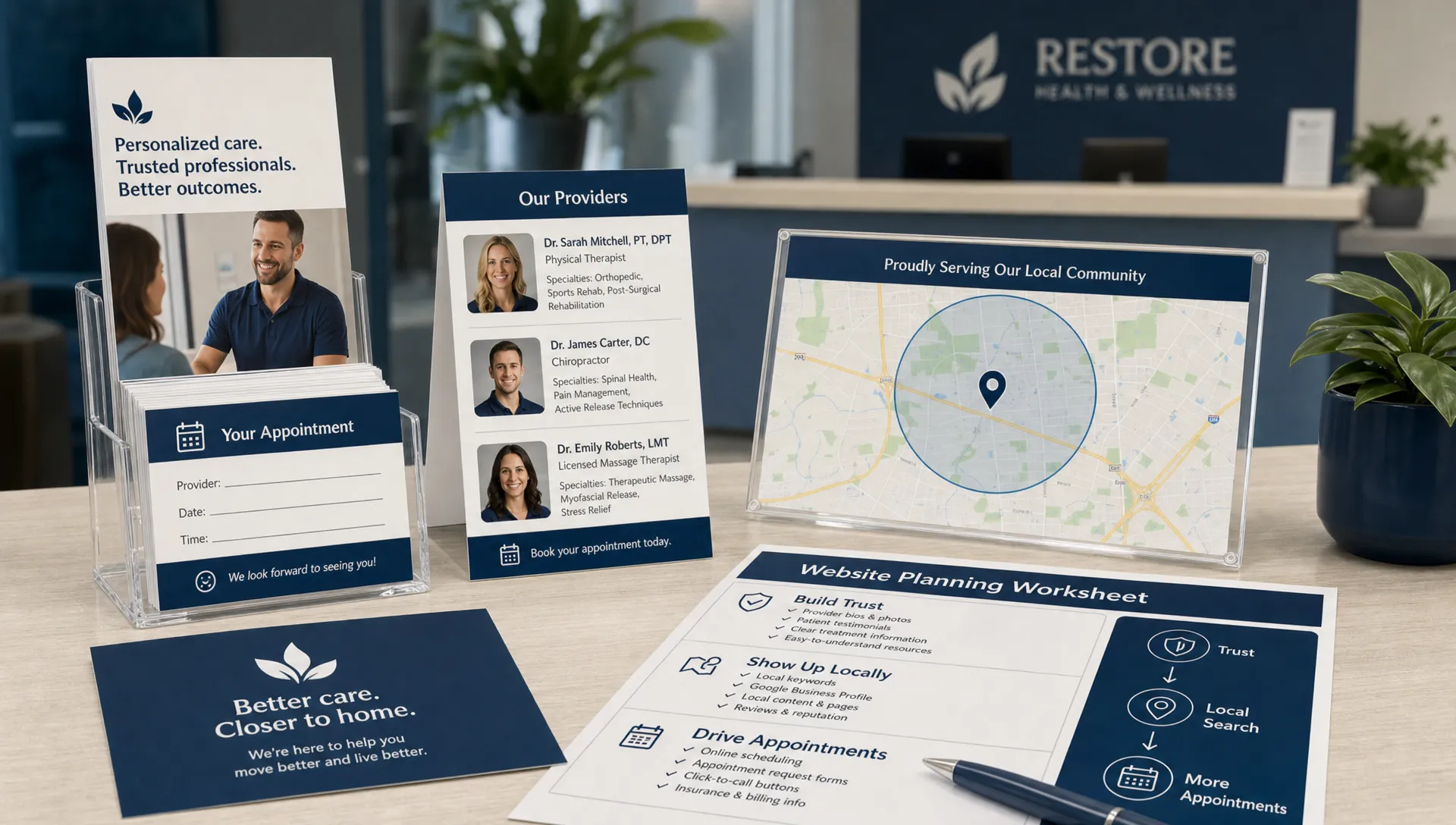
| Provider or team page | Build confidence in the clinicians and care team | Credentials, photos, care philosophy, and appointment path |
| Reviews or testimonials page | Reduce doubt through social proof | Review highlights and link back to relevant services |
| New patient page | Explain the first visit and reduce friction | Forms, policies, preparation steps, and scheduling instructions |
| Contact page | Give every practical way to reach the practice | Phone, address, hours, appointment request form, and emergency guidance if applicable |
This structure also supports better internal linking. A page about dental implants can link to the oral surgeon or implant dentist page. A page about dry eye can link to the optometrist’s medical eye care page. A location page can link to the top services available at that office.
Make the first screen instantly clear
The first screen of your website should answer three questions fast: what do you do, where do you do it, and how can a patient take the next step?
Avoid vague headlines like Caring for your smile or Better health starts here unless they are paired with specific context. A better healthcare homepage headline might communicate the specialty, location, and patient outcome in plain language. The visitor should know within seconds whether they are in the right place.
Strong first-screen elements often include the practice name, specialty, city or service area, primary call to action, phone number, and a concise trust signal such as years in practice, provider credentials, review volume, or a specific care focus. If you want a deeper breakdown of credibility cues, Louisville Web Lab has a related guide on company web page design tips that build trust fast.
The goal is not to overwhelm visitors. The goal is to remove the first layer of doubt.
Write service pages around patient intent
A good service page is not a textbook chapter. It is a decision-support page for someone who may be anxious, skeptical, or comparing several providers.
For each high-value service, include the practical information patients need before scheduling. Explain who the service is for, what symptoms or goals it addresses, what to expect during the visit, and why your practice is qualified to help. If relevant, include recovery expectations, candidacy considerations, technology used in the practice, and common questions.
Keep the language clear. Patients rarely need dense clinical explanations before they book. They need enough detail to feel informed and enough reassurance to believe your team can help.
For example, a dental implant page should not only define implants. It should explain who may be a candidate, what the process typically involves, how the consultation works, and what the patient should do next. A chiropractic page about sciatica should explain common symptoms, evaluation, conservative care options, and when a patient should seek urgent medical attention.
Every service page should include a call to action that matches the visitor’s intent. Someone reading about a high-consideration treatment may need a consultation request. Someone looking for an emergency dental visit may need a phone call. Someone researching dry eye treatment may need a new patient appointment.
Reduce booking friction on every device
Patients often visit healthcare websites from their phones while multitasking, in discomfort, or between other commitments. If the booking path is slow or confusing, conversion drops.
Your mobile experience should make the main action easy. The phone number should be tappable. Appointment buttons should be visible without excessive scrolling. Forms should be short. Office hours, location, and directions should be easy to find. If your practice offers online scheduling, the scheduling path should be clearly labeled and simple to complete.
Be careful with contact forms in healthcare. If a form collects sensitive health information, your technology, policies, and workflows need to be privacy-conscious. The U.S. Department of Health and Human Services explains HIPAA Privacy Rule requirements, and practices should avoid pushing protected health information into tools that are not configured for appropriate use. A basic appointment request form should ask only for what your team needs to respond safely and efficiently.
Connect the website to local SEO
A patient-booking website also has to be findable. Local SEO helps your practice appear when nearby patients search for services you provide. Your website and Google Business Profile should reinforce each other with accurate names, addresses, phone numbers, categories, services, hours, and location signals.
For healthcare practices, local SEO usually starts with service pages and location relevance. A single office may need one strong location page. A multi-location practice may need a dedicated page for each office. Each page should include accurate contact details, directions, hours, provider information, and locally relevant service content.
Your Google Business Profile matters too, because many patients will discover you in Maps or local results before they ever reach your website. If your profile is incomplete, inconsistent, or disconnected from your website, you may lose calls and directions clicks. For a step-by-step primer, see this guide on how to create a Google Business Profile for your practice.
Your website should also support search engines with clear page titles, descriptive headings, readable copy, internal links, and helpful content that matches real patient questions. If you want to see how these pieces work together, Louisville Web Lab covers the connection between website design and SEO services that drive more bookings.
Design for speed, clarity, and accessibility
Good healthcare web design is not only visual. It is functional. The site should load quickly, feel stable on mobile, and make content easy to read.
Google’s guidance on page experience in search results emphasizes helpful experiences, including mobile usability and page performance. Patients may not know what Core Web Vitals are, but they notice when a site jumps around, loads slowly, or makes them pinch and zoom to read basic information.
Prioritize clean layouts, large tap targets, readable font sizes, strong contrast, and clear navigation. Avoid cluttering important pages with too many competing buttons. Use real practice photography when possible, because authentic visuals often build more trust than generic stock images.
Accessibility also matters. Many healthcare visitors may have visual limitations, mobility issues, cognitive load concerns, or pain that makes browsing harder. Clear headings, descriptive buttons, keyboard-friendly navigation, and readable contrast make the website better for everyone.
Build trust with proof, not vague claims
Patients are cautious when choosing a healthcare provider. They want to know who will treat them, whether other patients had good experiences, and whether the practice feels legitimate.
Trust signals should appear near decision points, not only on a separate page. Add review highlights near appointment prompts. Show provider credentials on relevant service pages. Include real team photos. Explain your process clearly. If you show before-and-after images or patient testimonials, use appropriate permissions and follow applicable healthcare advertising and privacy rules.
Avoid unsupported claims such as best dentist in town or guaranteed pain relief. Stronger trust-building language is specific, factual, and patient-centered. You can say what you do, who you serve, what your process includes, and what patients can expect at the first visit.
A patient should leave the page thinking, this practice understands my problem and makes it easy to get help.
Add conversion paths for different patient stages
Not every visitor is ready to book the first time they land on your site. Some are comparing options. Some are researching symptoms. Some are ready to call immediately.
Your website should support all three stages. Ready-to-book visitors need phone numbers, scheduling buttons, and clear hours. Comparing visitors need provider information, reviews, service explanations, and photos. Researching visitors need helpful educational content that answers common questions and gently routes them to relevant service pages.
This is where content strategy becomes part of patient acquisition. Blog posts, FAQs, condition pages, and treatment guides can capture earlier-stage searches, while service and location pages convert higher-intent visitors. The key is to connect educational content to appointment opportunities without making the content feel like a sales pitch.
Track what happens after launch
A website is not finished on launch day. The first version is a baseline. The growth comes from measuring what patients do and improving the path.
At minimum, your practice should understand where inquiries come from, which pages generate calls or forms, and how many inquiries become booked appointments. Use analytics carefully, especially in healthcare. Avoid sending protected health information into analytics or advertising platforms, and make sure your tracking setup matches your privacy obligations.
| Metric to review | Why it matters | What it can reveal |
|---|---|---|
| Calls from website | Shows whether mobile and desktop visitors are taking action | Weak calls to action, poor phone visibility, or strong service demand |
| Appointment form submissions | Measures non-phone conversion intent | Form friction, unclear next steps, or high-interest services |
| Service page traffic | Shows which treatments patients research most | Content opportunities and high-value service demand |
| Google Business Profile actions | Measures local discovery behavior | Gaps in local visibility or profile engagement |
| Booked appointment rate | Connects marketing activity to business growth | Lead quality, front desk follow-up, and scheduling process issues |
Do not judge the website by design opinions alone. Judge it by whether it helps the right patients find you, trust you, and schedule.
Website launch checklist for healthcare practices
Before you launch or rebuild your business website, review the essentials. A polished design cannot compensate for missing basics.
- Your homepage clearly states your specialty, location, and primary patient action.
- Each major service has its own page with patient-friendly explanations.
- Phone numbers, appointment requests, hours, and directions are easy to find on mobile.
- Provider bios, real photos, reviews, and credentials support trust.
- Contact forms avoid unnecessary sensitive health details unless properly configured.
- Page titles, headings, and content align with local patient searches.
- Your Google Business Profile links to the right website pages.
- Tracking is set up to measure calls, forms, and booked appointments.
If any of these items are missing, your website may still look professional, but it is probably leaving appointments on the table.
Frequently Asked Questions
What is the most important part of a healthcare business website? The most important part is a clear path from patient intent to appointment. Your site needs specific service pages, trust signals, local information, and easy ways to call or request a visit.
How many pages does a medical, dental, or healthcare practice website need? It depends on your services and locations. Most practices need a homepage, service pages, location page, provider page, new patient page, contact page, and supporting FAQs or blog content.
Should I use online booking or a contact form? Use the option your team can manage consistently. Online booking can reduce friction if it is accurate and easy to use. A contact form can work well if your response process is fast and privacy-conscious.
How long does it take for a new website to bring in patients? Paid traffic can produce activity quickly if campaigns are set up well. SEO usually takes longer because search engines need time to crawl, understand, and trust the site. The timeline depends on competition, location, content quality, and your existing visibility.
Can I create a website for business growth without SEO? You can launch a website without SEO, but it will be harder for local patients to find you through search. For healthcare practices, website strategy and local SEO are usually strongest when planned together.
Turn your website into a patient-booking system
A healthcare website should be more than a digital brochure. It should help patients understand your care, trust your team, and take action with confidence.
If your current website looks fine but is not producing calls, appointment requests, or measurable growth, the issue may be strategy rather than design alone. Louisville Web Lab helps healthcare practices connect websites, SEO, Google Ads, and patient acquisition systems around one goal: more qualified patients booking with your practice.
When you are ready to improve what happens between a Google search and a scheduled appointment, book a diagnostic strategy call and identify where your website is losing patients today.