

If patients search for “dentist near me,” “optometrist open now,” “chiropractor Louisville,” or “pain clinic near me,” your Google Business Profile is often the first impression they see. Before they reach your website, they may see your reviews, hours, photos, location, phone number, and appointment link directly in Google Search or Maps.
That is why learning how to set up Google Business fast matters. For healthcare practices, speed is useful, but accuracy is what keeps the profile visible, trusted, and conversion-ready.
The goal is not to rush through setup and hope Google figures it out. The goal is to launch a clean, complete, compliant profile that gives Google the right signals and gives prospective patients enough confidence to call, request directions, or book.
What “fast” really means when setting up Google Business
Google Business Profile, formerly Google My Business, is the free profile that lets your practice appear in Google Search and Google Maps. It can show your name, category, location, hours, phone number, website, services, photos, reviews, posts, and more.
For a healthcare practice, a fast setup should focus on the fields that most directly influence local visibility and patient action:
- Your real-world practice name
- Your primary healthcare category
- Accurate address and phone number
- Correct office hours
- Website or appointment URL
- Services and treatment focus
- Photos that help patients recognize the office
- Verification and review readiness
Google explains that local results are influenced by relevance, distance, and prominence in its local ranking documentation. Your setup choices affect relevance first, then ongoing optimization supports prominence over time.
If you want a deeper field-by-field walkthrough, Louisville Web Lab has a dedicated guide on how to set up a Google Business page for local SEO. This article focuses on the fastest practical route for healthcare teams that want better local visibility without creating avoidable problems.
Before you start: gather the essentials
A Google Business Profile setup can take longer than necessary when the person creating it has to stop and confirm basic details. Before logging in, gather the information your profile needs to be accurate from day one.
Use the exact practice name patients see on your signage, website, insurance listings, and legal materials. Do not add extra keywords to the business name unless they are part of the real name. For example, “Brightview Family Dentistry” is appropriate if that is the actual name. “Brightview Family Dentistry Best Dental Implants Louisville” is not.
Confirm your main phone number. For most practices, this should be the number answered by the front desk or scheduling team. If you use call tracking, make sure it is implemented carefully so your practice name, address, and phone consistency are not damaged across the web.
Prepare your hours, including lunch closures if relevant, and make a note of holiday hours. Patients use Google hours to decide whether to call now, visit now, or look elsewhere.
Finally, choose the best website destination. In many cases, the homepage is fine. For practices running a focused campaign, an appointment page or high-converting location page may be better. The key is to send patients to a page that confirms they are in the right place and makes the next step obvious.
The 20-minute setup path for healthcare practices
Once your information is ready, the setup process becomes much easier. Go to Google Business Profile Manager or search your practice name in Google while logged into the Google account you want to use for management.
First, search for an existing listing. Many healthcare practices already have a profile created from public data, patient activity, or past agency work. If one exists, request access or claim it instead of creating a duplicate. Duplicate profiles can confuse Google and split reviews, clicks, and calls across multiple listings.
Next, choose the most accurate primary category. This is one of the most important setup decisions. A general dental office should usually choose “Dentist,” while an orthodontic office should choose “Orthodontist.” An optometry clinic should choose “Optometrist.” A chiropractic office should choose “Chiropractor.” Pick the category that best describes the core business, not every service you provide.
Then enter the address exactly as it appears elsewhere online. If patients visit your office, show the address. Most dental, vision, chiropractic, physical therapy, pain management, and specialty clinics should not hide the address because patients need directions.
Add your phone number, website, hours, and business description. Keep the description patient-focused and factual. Mention your practice type, location, core services, and the kinds of patients you serve, but avoid exaggerated claims such as “best,” “guaranteed,” or “number one” unless you can substantiate them and they comply with your professional standards.
Finally, complete verification. Google may offer verification by phone, email, video, postcard, or another method depending on the listing. Complete this step as soon as possible. Your profile is not fully useful until it is verified.
| Setup field | Why it matters | Healthcare best practice |
|---|---|---|
| Practice name | Helps Google match your real-world entity | Use the exact name on signage and website |
| Primary category | Defines your strongest relevance signal | Choose the closest practice type, not a broad guess |
| Address | Powers Maps visibility and directions | Use a consistent, patient-facing location |
| Phone number | Drives calls from Search and Maps | Use a number your scheduling team can answer |
| Hours | Prevents missed calls and frustrated patients | Keep regular and holiday hours updated |
| Website link | Turns visibility into appointments | Link to a page with clear scheduling options |
Healthcare-specific choices that can improve visibility
Generic business advice does not always fit healthcare. A restaurant, plumber, and orthodontist all use Google Business Profile, but patients evaluate medical and dental providers differently. They look for trust, proximity, proof, convenience, and clarity.
Your services section should reflect the treatments patients actually search for. A dentist might list preventive dentistry, cosmetic dentistry, dental implants, emergency dentistry, pediatric dentistry, or clear aligners if those services are offered. An optometry clinic might include eye exams, contact lens exams, dry eye treatment, myopia management, or LASIK consultation when relevant.
Do not use services to imply you provide care you do not actually offer. Accuracy protects both patient trust and your marketing performance.
Photos also matter. Add exterior photos so patients can recognize the building, interior photos so they know what to expect, and team photos when appropriate. Avoid images that reveal patient information. For before-and-after images, testimonials, or clinical case content, make sure you have proper consent and follow applicable healthcare advertising rules.
The strongest profiles also match the website they point to. If your Google profile says you specialize in orthodontics, implants, dry eye, or sports injury rehab, the linked page should support that positioning with clear service content, FAQs, and appointment paths. Your own Google profile and website should feel just as aligned, even if your market, language, and services are different.
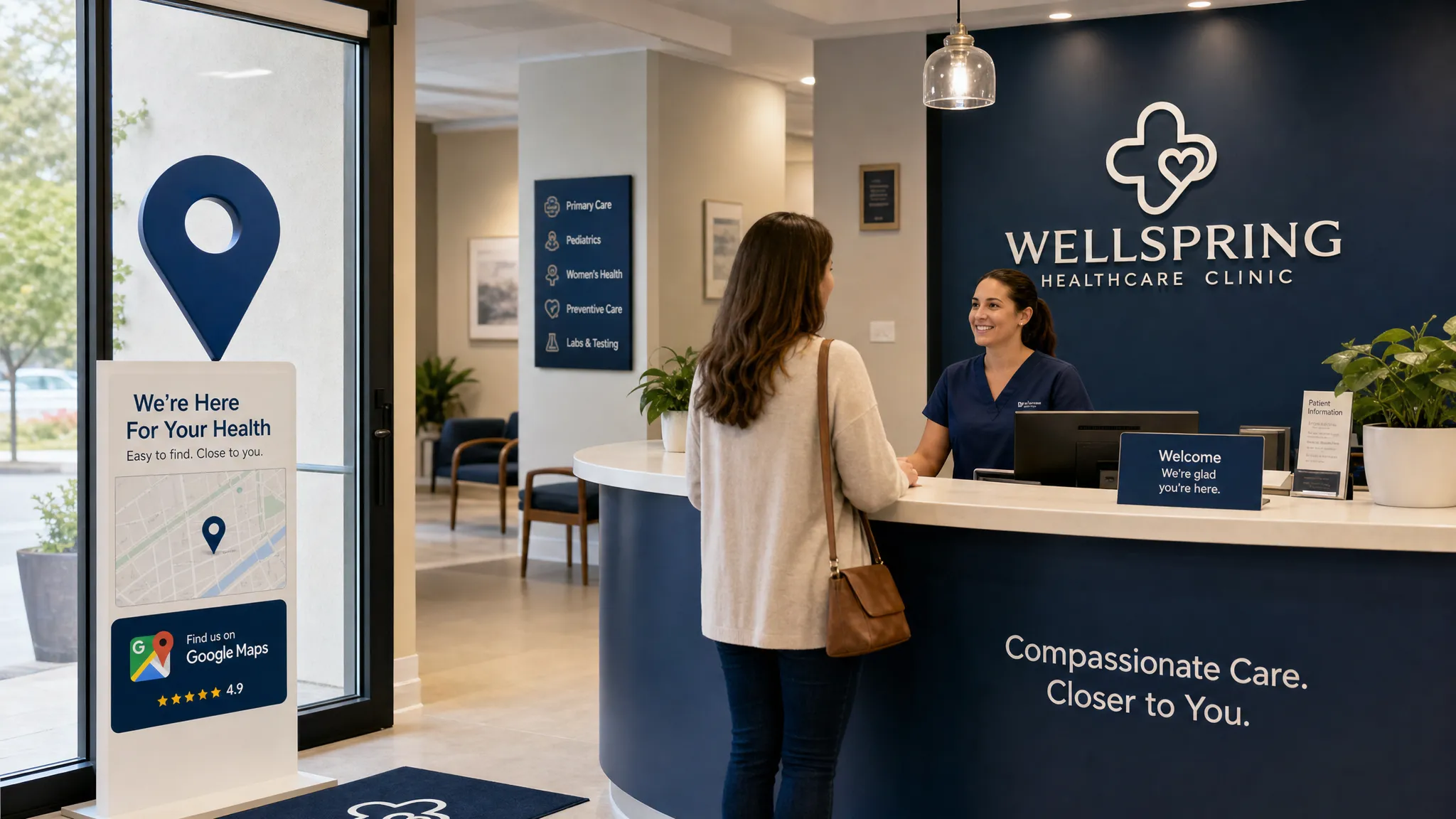
Set up for patient actions, not just rankings
Visibility is only valuable if it leads to patient action. A well-built Google Business Profile should make it easy for someone to call, get directions, visit your website, or schedule an appointment.
Start with the phone experience. If calls from Google go unanswered, visibility can turn into frustration. Make sure your front desk understands that Google calls are often high-intent. A patient who searched “emergency dentist near me” or “chiropractor open today” may be ready to book now.
Next, review your appointment path. If you add an appointment link, make sure the page loads quickly, works well on mobile, and gives clear next steps. A confusing form or slow page can waste the traffic your profile earns.
For multi-location practices, create and verify a separate profile for each eligible location. Each location should have its own accurate address, phone strategy, hours, photos, and website destination when possible. Do not create fake locations to cover more territory. That can lead to suspensions and long-term visibility issues.
For practitioner profiles, be cautious. Some doctors, dentists, optometrists, chiropractors, and specialists may be eligible for individual practitioner profiles if they are public-facing and patients can contact or visit them. However, unmanaged practitioner listings can compete with the main practice profile or contain outdated information. If you use them, manage them intentionally.
The fast optimization checklist after verification
Once your profile is verified, do not stop. Verification makes the profile live, but optimization helps it perform.
The first priority is completeness. Fill out services, business description, photos, hours, attributes, and appointment links where available. Then check the profile on both desktop and mobile to see what patients actually see.
The second priority is review generation. Reviews help patients choose between providers, and they can contribute to prominence over time. Build a simple review request process that follows Google’s policies and any healthcare-specific compliance requirements. Never offer incentives for reviews, never pressure patients, and never ask staff to write fake reviews.
For practices in competitive markets, a consistent review system is often the difference between being considered and being ignored. Louisville practices can use this guide on how to get more Google reviews to build a more reliable process.
The third priority is ongoing updates. Add new photos when your office changes, update holiday hours, add new services when you truly offer them, and review your profile after major website or phone changes.
| After setup task | Recommended timing | Why it helps |
|---|---|---|
| Add real office photos | Immediately after verification | Builds trust and helps patients recognize the location |
| Complete services | Same week | Strengthens relevance for treatment-related searches |
| Request reviews ethically | Ongoing | Supports trust and local prominence |
| Update holiday hours | Before each holiday | Reduces missed visits and patient frustration |
| Check profile accuracy | Monthly | Catches wrong edits, outdated details, or duplicate issues |
Common mistakes that slow down local visibility
The fastest setup is not always the best setup. Many practices move quickly, but then spend weeks fixing avoidable issues.
One of the biggest mistakes is creating a duplicate listing. Always search first. If your profile already exists, claim it. If you create a second listing, Google may show the wrong one or suspend one of them.
Another mistake is choosing a vague category. “Medical clinic” may be technically true for some healthcare businesses, but if a more specific category fits, the specific category is usually better. Relevance starts with accurate categorization.
Keyword stuffing the business name is another common problem. It may look tempting because keywords can influence local relevance, but adding words that are not part of your real-world name violates Google’s guidelines and can trigger edits or suspensions.
Practices also lose opportunities by ignoring photos. Patients want to know where they are going, especially when visiting a healthcare provider for the first time. A profile with no photos can feel incomplete compared with competitors that show the office, team, and patient experience.
Finally, many practices set up the profile once and never look at it again. Google profiles can receive suggested edits, outdated hours can stay live, and competitors can continue improving. If you want stronger Map Pack performance, treat your profile as an active patient acquisition asset.
If you are trying to improve visibility in a competitive local market, these Louisville Map Pack quick wins can help you identify what to fix first after your profile is live.
How soon can a new Google Business Profile improve visibility?
Some practices see activity shortly after verification, especially in less competitive areas or for branded searches. Competitive searches, such as “dentist near me,” “orthodontist Louisville,” “optometrist near me,” or “chiropractor open now,” usually take more time and stronger signals.
Your timeline depends on several factors: competition, proximity to the searcher, category relevance, review strength, website quality, local citations, and how completely your profile is optimized.
A new profile should be viewed in stages. First, get verified and accurate. Second, build completeness and trust. Third, strengthen reviews, website content, and local authority. Fourth, measure calls, direction requests, website visits, and booked appointments, not just impressions.
Google Business Profile is not a replacement for SEO, Google Ads, or a strong website. It is the local visibility layer that connects high-intent searches to your practice. When it works with your website and patient acquisition system, it can become one of the most valuable marketing assets your practice owns.
Frequently Asked Questions
Is Google Business Profile free for healthcare practices? Yes. Creating and managing a Google Business Profile is free. You may still invest in SEO, ads, website improvements, or agency support to increase performance, but the profile itself does not require a fee from Google.
What is the fastest way to set up Google Business correctly? The fastest way is to gather your exact practice name, address, phone number, hours, website link, primary category, and photos before starting. Then claim any existing listing, complete the core fields, verify the profile, and optimize services and photos after verification.
Should a healthcare practice use the homepage or appointment page as the website link? Use the page most likely to help the patient take the next step. For many practices, that is the homepage. For focused campaigns or high-intent searches, an appointment page, location page, or relevant service page may convert better.
Can I add keywords to my Google Business Profile name? Only if they are part of your real-world practice name. Adding extra keywords such as city names, services, or “best dentist” to the business name can violate Google’s guidelines and create suspension risk.
How often should a practice update its Google Business Profile? Review it at least monthly. Update hours, services, photos, appointment links, and any changed contact information as soon as needed. Holiday hours should be updated before each holiday period.
Turn Google visibility into more booked appointments
Setting up Google Business fast is a strong first step, but the real opportunity is turning that visibility into measurable patient growth. For healthcare practices, that means accurate local SEO, a profile that builds trust, a website that converts, and follow-up systems that help inquiries become appointments.
Louisville Web Lab helps healthcare practices connect Google Business Profile optimization, SEO, Google Ads, websites, automation, reputation, and patient acquisition strategy. If your practice wants more qualified calls and appointment requests from local search, start with a diagnostic strategy call at Louisville Web Lab.