

A Google Business Profile can be one of the highest-intent marketing assets your healthcare practice owns. When someone searches “dentist near me,” “optometrist open today,” “chiropractor in Louisville,” or “pain management clinic near me,” your profile often appears before your website does.
That makes Google Business page set up more than a one-time admin task. It affects whether patients trust your practice, whether Google understands what you offer, and whether searchers take the next step to call, request directions, or book an appointment.
The problem is that many practices rush setup, use the wrong details, or treat the profile like a static directory listing. Small mistakes can lead to duplicate listings, lower local rankings, fewer calls, and a frustrating patient experience. Here are the most common mistakes to avoid, with healthcare-specific fixes you can apply before they cost you visibility.
Mistake 1: Creating a new profile before checking for an existing listing
Many practice owners start by creating a brand-new Google Business Profile. That sounds logical, but it can create duplicate listings if Google Maps already has a profile for your practice, an old address, a previous owner, or a former provider.
Duplicates can split reviews, confuse patients, and send mixed signals to Google. For example, one listing may show an old phone number while another shows current hours. Patients may call the wrong location or navigate to a previous office.
Before creating anything new, search Google Maps for your practice name, old names, provider names, address, and phone number. If a listing already exists, claim it instead of creating another. If you find duplicates, document them and follow Google’s process to suggest edits, mark closed listings, or request ownership where appropriate.
If you need a full setup walkthrough, Louisville Web Lab has a healthcare-focused guide on how to set up a Google Business page for local SEO that can help you build the profile on the right foundation.
Mistake 2: Using the wrong Google account for ownership
A surprisingly common mistake is setting up the profile under an employee’s personal Gmail account, a former office manager’s login, or an agency account the practice does not control.
That creates risk. If the employee leaves or the agency relationship ends, you may lose access to one of your most important local search assets. Regaining ownership can be slow, especially if verification is required again.
Use a practice-controlled Google account, ideally one tied to your organization’s domain or a secure administrative email. Then assign users with the correct permission level. Owners should be limited to people who truly need control. Managers can handle updates, photos, posts, and responses without taking over ownership.
For multi-location practices, organize profiles carefully from the beginning. Each location should have clear ownership, accurate location details, and consistent naming conventions.
Mistake 3: Choosing the wrong primary category
Your primary category is one of the strongest relevance signals in your profile. It tells Google what kind of business you are. If you choose a broad or inaccurate category, your practice may appear for the wrong searches or fail to appear for the right ones.
A general dental office should not casually choose “Cosmetic dentist” as the primary category unless cosmetic dentistry is the core service. An orthodontic practice should not rely only on “Dentist.” An optometry clinic, ophthalmology practice, dry eye center, chiropractic office, pain management clinic, and physical therapy practice all need category choices that reflect how patients actually search.
Secondary categories can support your services, but the primary category should match the main reason a patient would choose your practice.
| Practice type | Better category thinking | Common setup mistake |
|---|---|---|
| General dentistry | Lead with the core dental category, then add relevant secondary services | Choosing only a cosmetic or specialty category |
| Orthodontics | Use a category that clearly reflects orthodontic care | Using “Dentist” only and missing orthodontic intent |
| Optometry | Match the profile to eye exams, vision care, or optical services as appropriate | Mixing optometry and retail optical categories carelessly |
| Chiropractic | Use a category aligned with chiropractic care | Adding unrelated wellness categories to chase rankings |
| Pain management | Choose a category that reflects the medical specialty and location model | Using vague categories that do not match patient searches |
Your category should be accurate first and strategic second. Google’s systems are built to reward relevance, not wishful keyword targeting.
Mistake 4: Stuffing keywords into the business name
Your Google Business Profile name should match your real-world practice name. Adding extra keywords such as “Best Dentist in Louisville,” “Top Rated Chiropractor,” or “Emergency Optometrist Near Me” may look tempting, but it can violate Google’s guidelines and trigger edits, suspensions, or user-reported changes.
For healthcare practices, this is especially risky because trust matters. A spammy business name can make the practice look less credible to patients who are comparing several providers.
Use the legal or commonly used public-facing practice name that appears on your signage, website, appointment reminders, and patient communications. If you offer implants, Invisalign, dry eye therapy, sports injury care, or regenerative medicine, describe those services in the services section, website content, posts, and landing pages instead of forcing them into the profile name.
Mistake 5: Displaying the wrong address or service area
Healthcare practices usually serve patients at a physical location. In that case, the address should generally be visible and accurate. Hiding the address when patients visit your clinic can reduce trust and make navigation harder.
The reverse mistake also happens. Some businesses list addresses where they are not actually staffed, such as virtual offices, mailbox locations, or unapproved satellite addresses. That can create compliance issues with Google and a poor patient experience.
For practices with multiple locations, each location needs its own legitimate profile only if it is a real, staffed location where patients can receive care during stated hours. If a provider rotates between locations, be careful not to create confusing practitioner or department listings unless they meet Google’s eligibility rules and serve a real patient need.
Your address should match your website, major healthcare directories, insurance profiles, and appointment communications. Consistency helps Google, but it also helps real patients find you without friction.
Mistake 6: Ignoring phone number strategy and call tracking
Phone calls are still one of the most important conversion actions for healthcare practices. A patient with tooth pain, blurry vision, back pain, or a referral for physical therapy may not fill out a long form. They call.
That makes your phone number setup important. If you use a tracking number incorrectly, you can create inconsistent local citations or route calls poorly. If you avoid tracking completely, you may not know whether your profile is producing qualified calls.
A balanced approach is to keep your main practice number consistent across core listings and use call tracking in a way that does not break local SEO signals. If you use a tracking number on Google Business Profile, make sure your primary practice number is also included where appropriate, and confirm that calls reach the right team quickly.
This is not just a technical detail. A missed call from a high-intent searcher can become a booked appointment for a competitor.
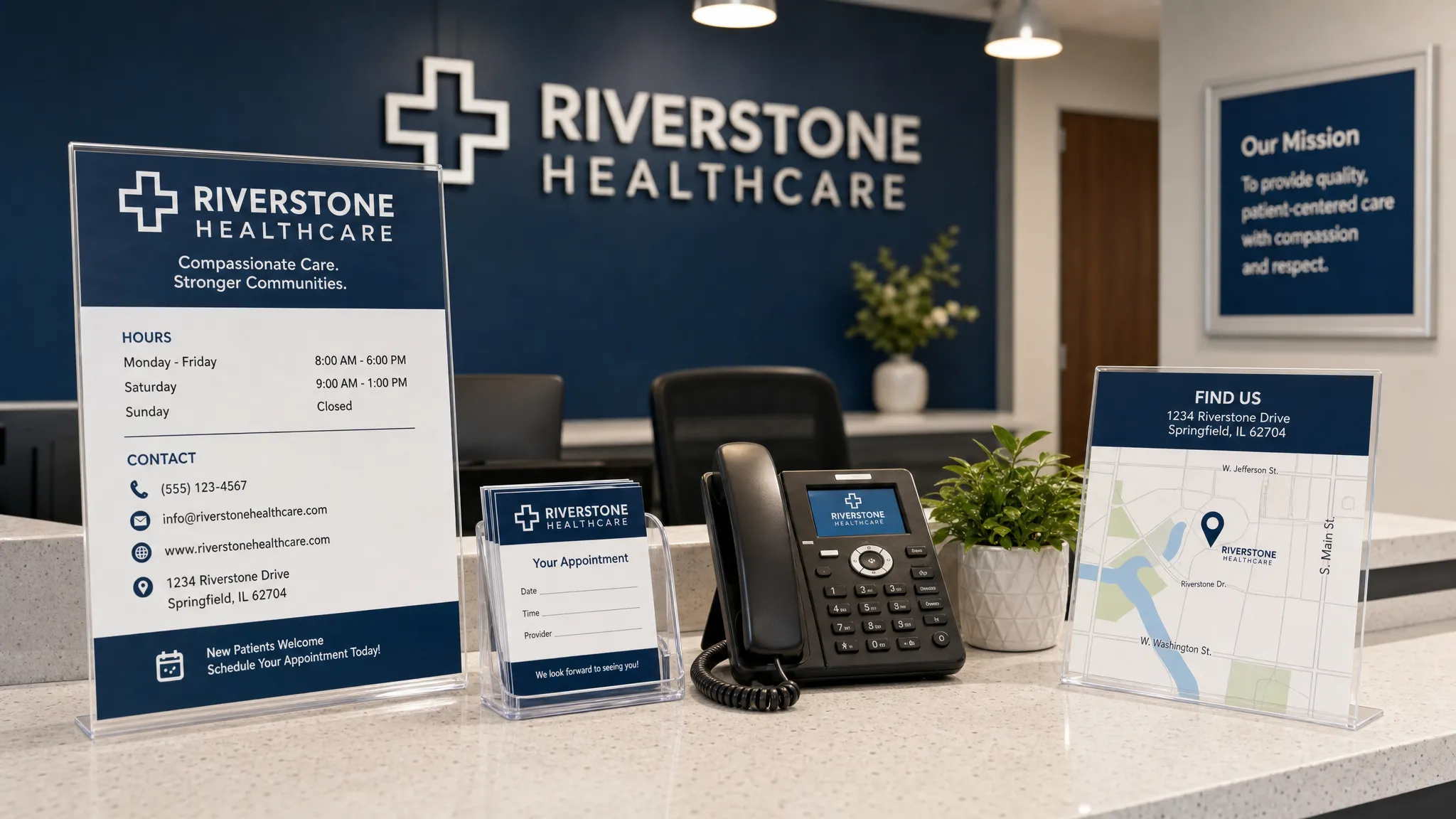
Mistake 7: Leaving services, appointment links, and attributes incomplete
A basic profile with only a name, address, phone number, and hours is rarely enough. Patients want to know whether you offer the service they need before they call.
For a dental practice, that may include cleanings, crowns, implants, emergency dentistry, whitening, dentures, pediatric dentistry, or oral surgery. For an eye care clinic, it may include comprehensive eye exams, contact lens fittings, dry eye treatment, LASIK consultations, cataract evaluations, or optical services. For musculoskeletal practices, it may include chiropractic adjustments, physical therapy, joint pain treatment, sports injury care, or interventional pain services.
Add relevant services using patient-friendly language. Avoid overloading the profile with every possible variation, but do not leave major revenue-driving services absent.
Appointment links are equally important. If your practice has online scheduling, a request appointment page, or a dedicated landing page, connect it. Add UTM tracking so you can see how much traffic and how many conversions come from the profile. If you are working to improve calls and visits, these Google Business listing tips can help you turn profile visibility into real patient actions.
Mistake 8: Uploading generic or low-trust photos
Photos influence first impressions. Patients want to know what the practice looks like, who they may meet, and whether the environment feels professional and welcoming.
Stock photos do not build the same trust as real images of your exterior, lobby, treatment rooms, signage, and team. For healthcare, accurate photos also reduce anxiety. A parent choosing a pediatric dentist, a patient preparing for cataract surgery, or someone visiting a pain clinic may feel more comfortable when the location looks familiar before arrival.
Good photo categories include:
- Exterior signage and building entrance
- Reception area and waiting room
- Treatment rooms or exam rooms, when appropriate
- Team photos with proper consent
- Technology, equipment, or amenities patients care about
- Parking or entrance guidance if the location is hard to find
Be careful with patient privacy. Do not upload photos that show protected health information, patients in treatment areas without proper authorization, or anything that could create HIPAA concerns.
This same principle applies across local service industries. Healthcare practices should apply the same clarity, while also maintaining stricter privacy and compliance standards.
Mistake 9: Treating reviews as an afterthought
Reviews affect trust, conversion, and local competitiveness. Yet many practices only think about reviews when a negative one appears.
The best time to build a review strategy is during setup. Decide when and how your team will ask satisfied patients for feedback. Make the process simple, ethical, and consistent. Do not offer incentives for reviews, do not pressure patients, and do not ask only in ways that could violate platform or professional guidelines.
Healthcare review responses require extra care. Even if a reviewer mentions their own treatment, your response should not confirm that they are a patient or discuss details of care. A safe response is brief, professional, and privacy-conscious. For example, thank the person for the feedback and invite them to contact the office directly if they want to discuss anything specific.
A strong review profile does not come from one big push. It comes from a repeatable process built into your patient experience.
Mistake 10: Setting hours once and forgetting holiday updates
Wrong hours create immediate frustration. If Google says your office is open and a patient calls or drives there only to find it closed, that hurts trust. It can also generate negative reviews.
Keep regular hours updated, but also pay attention to holidays, training days, weather closures, provider schedule changes, and special hours. This matters for urgent-intent searches, such as emergency dental care, same-day eye appointments, or acute back pain visits.
For multi-provider practices, make sure the profile’s hours reflect the practice location, not just one doctor’s schedule. If certain services are only available on specific days, clarify that on your website or appointment page rather than creating confusion in the main listing.
Mistake 11: Ignoring the website connected to the profile
Your Google Business Profile does not work in isolation. Patients often click from the profile to your website before calling or booking. If the website is slow, vague, outdated, or hard to use on mobile, your profile may generate visits but not appointments.
The linked page should reinforce the searcher’s intent. If the profile represents a specific location, link to the location page, not always the homepage. If your profile promotes a specific service through posts or ads, use a relevant landing page when possible.
The page should make it easy to answer core questions:
- What services do you provide?
- Where are you located?
- Do you accept new patients?
- How can someone call, book, or request an appointment?
- What makes your practice trustworthy?
If competitors outrank you even though your profile looks complete, the issue may be broader than the listing itself. Factors such as website authority, content quality, reviews, speed, and local relevance all matter. This guide on why competitors outrank you on Google explains the bigger picture.
Mistake 12: Not monitoring profile changes after setup
Google Business Profile information can change. Google may suggest edits, users may submit changes, competitors may report issues, and automated systems may update details based on other sources.
That means setup is not finished once verification is complete. Someone should review the profile regularly to confirm that the name, address, phone number, hours, categories, services, website link, appointment link, and photos remain accurate.
You should also monitor performance data. Track calls, direction requests, website visits, booking clicks, and search queries. These signals help you understand whether your profile is attracting the right patients or simply generating impressions.
A simple monthly check can prevent many problems before they become expensive.
Quick Google Business Profile setup audit for healthcare practices
Use this checklist to review your profile before you assume it is fully optimized.
| Setup area | What to check | Why it matters |
|---|---|---|
| Ownership | Practice-controlled account with correct user roles | Prevents access problems later |
| Name | Matches real-world practice name | Reduces suspension and trust risk |
| Categories | Primary category matches core service | Improves relevance for local searches |
| Address | Accurate, staffed, and consistent | Helps patients and local SEO |
| Phone | Routes correctly and supports tracking strategy | Protects calls and attribution |
| Website link | Sends patients to the most relevant page | Improves conversion rate |
| Services | Includes key patient-facing treatments | Helps searchers understand fit |
| Photos | Real, current, privacy-safe images | Builds trust before the visit |
| Reviews | Ethical request and response process | Supports credibility and conversions |
| Hours | Regular and holiday hours updated | Prevents patient frustration |
Frequently Asked Questions
Is Google Business Profile the same as Google My Business? Yes. Google My Business was renamed Google Business Profile. Many people still say “Google business page,” but the current platform is Google Business Profile.
How long does Google Business page set up take? Basic setup can be completed quickly if you have your practice name, address, phone, categories, hours, website, and verification details ready. Verification time varies depending on Google’s required method and whether there are ownership or duplicate listing issues.
Can each doctor or provider have a separate Google Business Profile? Sometimes, but not always. Practitioner listings should only be created when they meet Google’s eligibility requirements and help patients reach a real, public-facing provider. Creating unnecessary provider listings can confuse patients and split visibility.
Should a healthcare practice use call tracking on Google Business Profile? Call tracking can be useful, but it should be implemented carefully. The goal is to measure calls without creating inconsistent contact information or routing patients to the wrong place.
What is the biggest Google Business Profile mistake healthcare practices make? The biggest mistake is treating the profile like a simple directory listing instead of a patient acquisition asset. Accurate setup, ongoing updates, reviews, photos, website alignment, and tracking all work together.
Turn your Google Business Profile into booked appointments
Avoiding setup mistakes is the first step. The next step is building a local search system that turns visibility into calls, direction requests, appointment forms, and measurable practice growth.
Louisville Web Lab helps dental, vision, chiropractic, pain, physical therapy, primary care, and specialty practices improve local SEO, Google Ads, websites, reputation, and patient acquisition systems. If your Google Business Profile is not producing the calls and appointments it should, book a diagnostic strategy call with Louisville Web Lab and find out where the gaps are.