
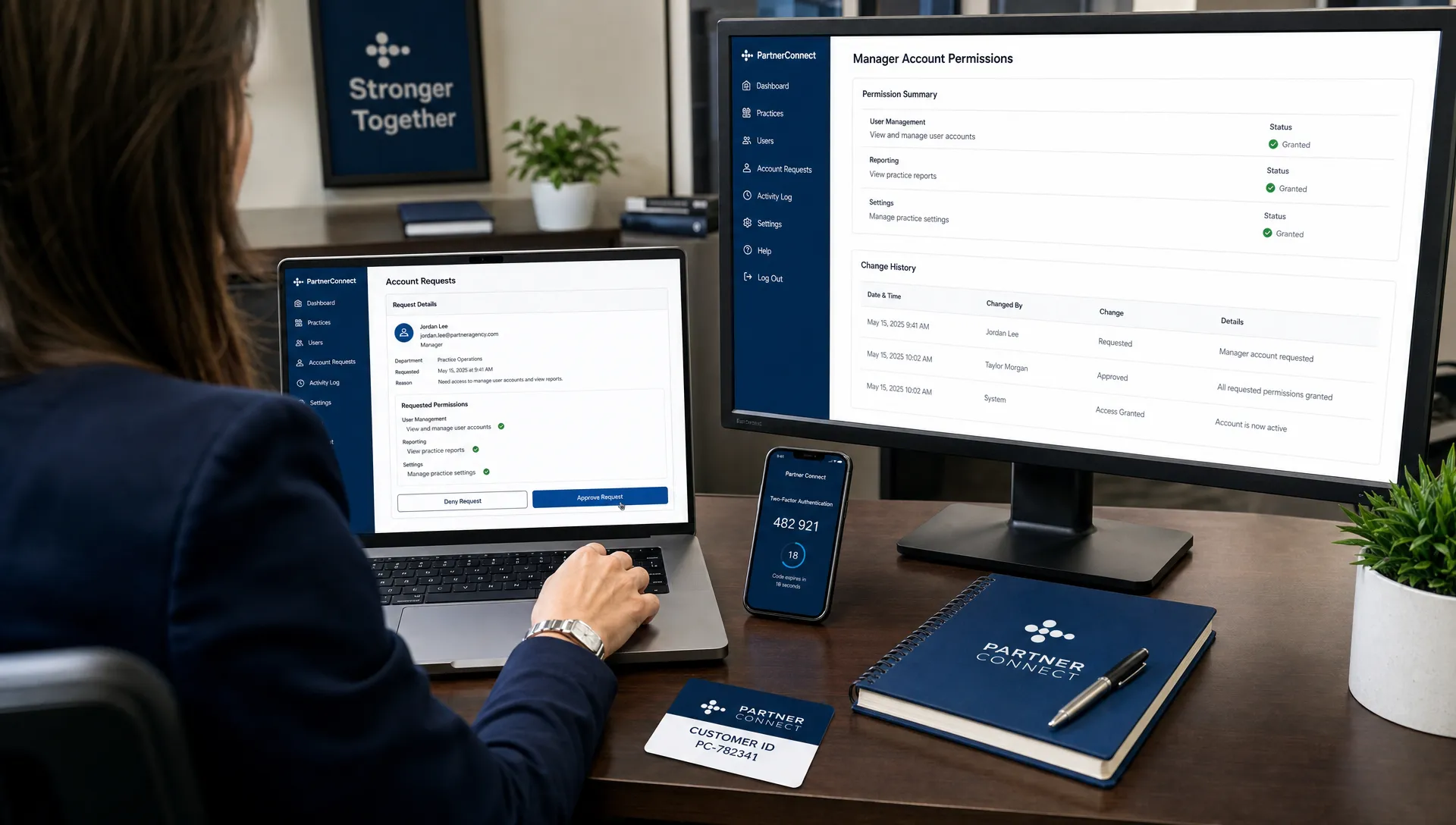
If your practice is hiring a PPC partner, changing agencies or simply trying to clean up old user permissions, Google Ads access is one of the first details to get right. It sounds administrative, but it affects account ownership, billing visibility, conversion tracking, patient privacy and your ability to switch vendors later without losing campaign history.
The safest setup is usually simple: your practice owns the Google Ads account, your team keeps administrative access and your agency connects through a Google Ads manager account. That gives the agency the ability to manage campaigns without requiring your password or taking control of your Google login.
This guide walks through how Google Ads manager account access works, which permissions to grant, what healthcare practices should avoid and how to remove access cleanly when a relationship ends.
What a Google Ads manager account is
A Google Ads manager account, formerly called My Client Center or MCC, is an account designed to manage one or more Google Ads accounts from a single login. Agencies use manager accounts because they can move between client accounts, organize reporting and manage campaigns without asking each client to create a separate user login for every team member.
For a healthcare practice, this matters because the manager account connects to your Google Ads account. It should not replace your ownership of the account. Your dental office, optometry clinic, chiropractic group, pain practice or physical therapy clinic should still be able to log in directly, see billing details, review campaign history and remove outside access if needed.
Google explains the basic structure in its Google Ads manager account documentation. The practical takeaway is this: a manager account is a management layer, not a reason to hand over your password.
It is also worth clearing up a common naming issue. A Google Ads manager account is not Google Tag Manager, which manages website tags. It is not Google Ad Manager, which is a platform used mainly by publishers. If an agency asks for a Google Ads manager account connection, they usually mean MCC-style access to your paid search account.
Why healthcare practices should not share Google logins
Sharing one Google login feels faster, especially when a campaign needs to launch quickly. It creates problems later.
If multiple people use the same login, you lose a clean audit trail. You may not know who changed a budget, paused a campaign, edited a conversion action or downloaded a report. If a vendor relationship ends, changing the password can disrupt other Google services tied to that login. If two-factor authentication is not set up properly, the risk is even higher.
Healthcare practices also have privacy responsibilities that many local businesses do not. Google Ads should never contain protected health information in campaign names, uploaded lists, offline conversion files, form notes or CRM fields synced into ad platforms. Even if the ad account itself is not a medical record system, sloppy access practices make it easier for sensitive information to move into places it does not belong.
A clean access structure protects both sides. Your agency can do the work it was hired to do, and your practice keeps control over data, billing and vendor access.
The safest access model for a practice
The best access model depends on what the agency needs to manage. In most cases, manager account access is the right balance of control and convenience.
| Access method | Best use | Main risk |
|---|---|---|
| Manager account link | Ongoing agency management of your Google Ads account | Granting too much permission without review |
| Direct user invite | Giving one named person access, such as an internal marketer | Harder to manage if multiple vendor team members need access |
| Password sharing | Almost never appropriate | Weak security, poor audit trail and messy offboarding |
| Read-only access | Audits, second opinions and reporting reviews | Not enough permission for campaign management |
If you are still evaluating who should manage paid search for your practice, review the questions in this guide to hiring a Google Ads agency before granting broad access. The access conversation often reveals how organized and transparent an agency really is.
Step by step: how to grant Google Ads manager account access
Google changes interface labels from time to time, but the approval process usually follows the same pattern. Your agency requests access from its Google Ads manager account, then an admin on your practice account approves the request.
- Confirm that your practice can log in directly: Before adding anyone, make sure a practice owner, administrator or trusted internal manager can log in to the Google Ads account with a business-controlled Google account.
- Find your Google Ads customer ID: The customer ID is the 10-digit number shown in your Google Ads account, often near the top of the interface. It may appear in a format like 123-456-7890.
- Send the customer ID to the agency: The customer ID is not a password. It lets the agency send an access request, but they cannot manage the account until you approve it.
- Ask what access level they are requesting: For an audit, read-only access may be enough. For active campaign management, standard or administrative access may be requested depending on setup needs.
- Have the agency send the request from its manager account: The agency initiates the link request using your customer ID.
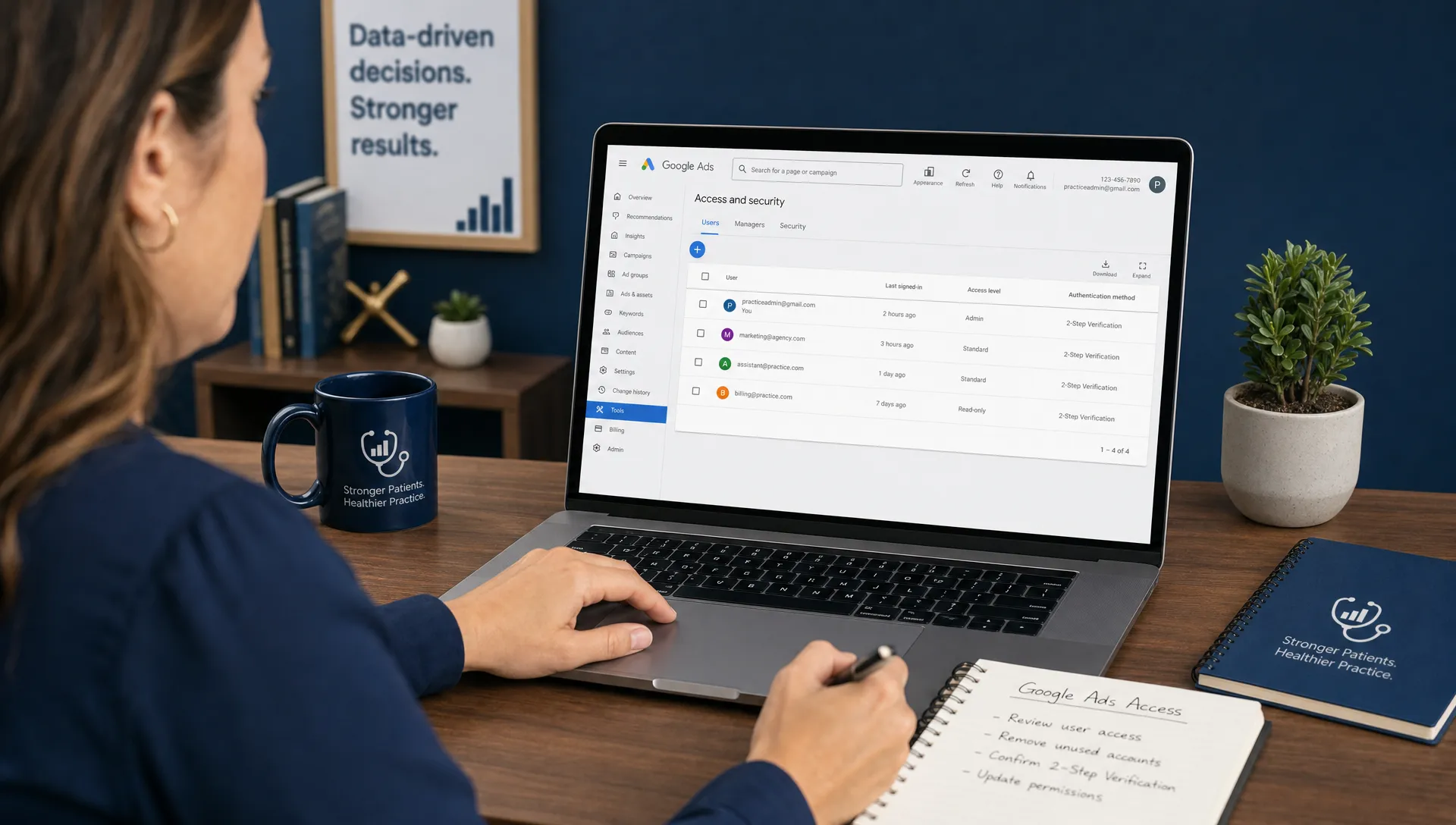
- Approve the request inside Google Ads: Log in as an admin, open the access settings and look for a manager access request. Depending on the interface, this may appear under Access and security, Managers or a similar admin area.
- Verify the linked manager account name: Make sure the request is from the agency you expected. If the manager account name is vague or unfamiliar, ask for clarification before approving it.
- Document the access decision: Record the date, agency name, access level, billing arrangement and who approved the request. This makes future audits and offboarding easier.
If your practice has more than one Google Ads account, be careful with the customer ID. It is common for groups with multiple locations, old campaigns or prior vendors to have several accounts. Grant access to the account that actually contains the campaigns, billing profile and conversion history you intend to use.
Choosing the right permission level
Access should match the job. Too little access slows down campaign work, but too much access can create unnecessary risk. The right level depends on whether the person or agency is auditing, managing, setting up tracking or handling billing.
| Permission level | Typical use | Healthcare practice guidance |
|---|---|---|
| Read-only | Audits, reporting reviews and second opinions | Good for discovery calls, account reviews and vendor comparisons |
| Standard | Campaign edits and day-to-day management | Often appropriate for active PPC management when admin functions are not needed |
| Administrative | User access, account settings and broader setup control | Grant deliberately, keep internal admin access and review regularly |
| Billing | Payment methods, invoices and billing records | Limit to people who truly need billing access |
| Email only | Notifications without account management | Useful for stakeholders who only need alerts |
For a new campaign build, an agency may request administrative access temporarily to connect tools, configure conversion actions or resolve setup issues. That may be reasonable, but it should not mean your practice gives up control. Keep at least one internal admin user active at all times, preferably tied to a business email account rather than a personal Gmail account.
Access your agency may need beyond Google Ads
A paid search campaign is rarely limited to Google Ads alone. To measure calls, forms and booked appointments, your agency may need access to other tools. That does not mean every tool needs full admin access on day one.
Common related assets include Google Analytics 4, Google Tag Manager, your website or landing page platform, call tracking software, your Google Business Profile, reporting dashboards and sometimes a CRM or patient intake workflow. For healthcare practices, the CRM or intake system deserves special caution. Avoid sending diagnosis details, treatment notes, insurance information or other PHI into ad platforms or general marketing dashboards.
This is also where campaign strategy and access management overlap. If your account structure is weak, better permissions will not fix poor lead quality. Once access is secure, the next step is building campaigns around patient intent, location targeting, landing pages and conversion tracking. For a deeper look at that setup work, see Louisville Web Lab's guide on setting up Google Ads for better healthcare leads.
Healthcare privacy and tracking cautions
Google Ads can be an effective patient acquisition channel, but healthcare marketing needs stricter guardrails than many other industries. The goal is to track marketing performance without putting patient information where it does not belong.
Do not place patient names, appointment notes, medical conditions or treatment details in Google Ads. Do not name campaigns or audiences in a way that identifies a patient group too narrowly. Do not upload offline conversion files that contain PHI. If you are importing conversions from another system, review exactly which fields are being shared before connecting anything.
Call tracking and form tracking can still be useful. The safer approach is to track marketing events such as phone call duration, submitted lead forms, scheduled consultations or confirmed new patient inquiries without passing sensitive clinical details into Google Ads. Your legal and compliance advisors should guide how your practice handles HIPAA obligations, consent language and vendor agreements.
For paid search, the practical rule is simple: measure the marketing outcome, not the patient's private health story.
Red flags before you approve access
Most agencies that work with healthcare practices will have a normal access process. Slow down if you see warning signs.
- An agency asks for your Google password instead of requesting manager account access.
- They insist on creating the account under their ownership with no direct practice access.
- They refuse to explain who pays Google directly and who owns the campaign history.
- They request administrative or billing access without explaining why it is needed.
- They cannot tell you how conversions are tracked or what data flows into Google Ads.
- They discourage you from reviewing change history, billing records or search term performance.
Transparency matters because Google Ads performance is not just about clicks. A healthcare practice needs to know whether campaigns are producing qualified calls, consultation requests and booked appointments. That requires clean tracking, clear reporting and account access that does not hide the work.
What to do if an agency already controls your account
Many practices discover access problems only when they try to switch vendors. The previous agency may have built the account, added the payment method or kept all admin access under its own login. That does not always mean bad intent, but it can put your practice in a weak position.
Start by asking for direct administrative access to the Google Ads account used for your campaigns. Ask for confirmation that your practice can view campaign history, conversion actions, billing settings and linked accounts. If the agency owns a landing page, call tracking number or reporting dashboard used in the campaigns, ask which assets can transfer and which need to be rebuilt.
If the agency managed campaigns inside an account that cannot be transferred, you may need a new Google Ads account. That can mean rebuilding campaigns, conversion tracking and learning history. It is not ideal, but it is sometimes cleaner than continuing with an account your practice cannot control.
This is why access should be addressed before signing a long-term agreement. Your marketing partner can manage campaigns, but your practice should not be locked out of its own performance data.
Offboarding: how to remove manager account access
When an agency relationship ends, remove access promptly and carefully. Do not wait months, especially if billing information, conversion data or patient lead workflows are involved.
A clean offboarding process usually includes these steps:
- Confirm internal admin access first: Make sure your practice has at least one active admin user before removing a manager account.
- Export key reports: Save recent campaign, search term, conversion and billing reports if you need a record for comparison.
- Review linked tools: Check Google Analytics, Google Tag Manager, landing pages, call tracking and other connected tools for agency users.
- Remove or unlink the manager account: Use the access settings in Google Ads to remove the old agency's manager account connection.
- Update billing if needed: Confirm that the payment method, invoices and billing contacts are current.
- Audit conversion tracking: Make sure tags, call tracking numbers and form integrations still work after access changes.
After removal, watch the Change History section in Google Ads and run a small test of forms, calls and conversion reporting. Offboarding is not complete until leads still flow and tracking still records correctly.
Common Google Ads access problems and fixes
Access issues are usually fixable once you identify where the process broke. The most common problems are wrong customer IDs, missing admin permissions or confusion between different Google products.
| Problem | Likely cause | Practical fix |
|---|---|---|
| The request does not appear | Wrong customer ID or wrong Google Ads account | Confirm the 10-digit customer ID and make sure you are logged into the correct account |
| You cannot approve the request | Your user does not have admin access | Ask the current admin to approve it or upgrade your access |
| The agency says access is pending | The request was sent, but no admin approved it | Check the manager access area inside Google Ads |
| You see several accounts | Old vendors, old campaigns or multi-location structure | Identify which account has active billing, campaigns and conversion history |
| Tracking breaks after access changes | Tags, call tracking or landing pages were controlled elsewhere | Audit connected tools before and after removing a vendor |
If you are not sure whether your current account is structured correctly, a diagnostic review can identify who has access, what is being tracked and whether the campaigns are set up to generate actual patient inquiries.
How access connects to better patient acquisition
Google Ads manager account access is not a growth strategy by itself. It is the foundation that lets the strategy happen safely.
When access is clean, your agency can see the full picture: search terms, negative keywords, ad copy, landing page performance, calls, forms and conversion quality. That makes it easier to shift budget toward the services and locations that produce profitable appointments. It also makes it easier for the practice owner to hold the agency accountable.
For healthcare practices, the difference between activity and growth is measurement. A campaign that produces cheap form fills but few booked patients may look good in a surface-level report. A properly managed account should connect targeting, ads, landing pages and follow-up so you can understand which campaigns are actually moving patient volume. Louisville Web Lab covers that broader strategy in its article on building Google Ads campaigns that book patients.
Access is where accountability starts. Without it, you may be paying for clicks without knowing whether the system behind those clicks is built to serve your practice.
Frequently Asked Questions
What is a Google Ads manager account? A Google Ads manager account is an account that lets an agency or organization manage one or more Google Ads accounts from a central dashboard. It allows management access without requiring the client to share a password.
Should my healthcare practice own its Google Ads account? Yes. In most cases, your practice should retain direct administrative access, billing visibility and campaign history. An agency can manage the account through a linked manager account without becoming the only party in control.
Is it safe to give an agency administrative access? It can be appropriate for setup or advanced management, but it should be granted deliberately. Keep internal admin access, use two-factor authentication and review permissions regularly.
Can I give read-only access for an audit? Yes. Read-only access is usually enough for an agency or consultant to review structure, spend, keywords, conversion tracking and performance without making changes.
What should I do before removing an old agency from Google Ads? Confirm your own admin access, export important reports, check billing, review linked tools and make sure conversion tracking will continue working after access is removed.
Should patient information ever be uploaded into Google Ads? No. Avoid uploading patient names, treatment details, diagnosis information or other PHI into Google Ads, conversion imports or connected marketing tools.
Get your Google Ads access and tracking reviewed
If you are unsure who controls your Google Ads account, whether your tracking is clean or whether your campaigns are producing the right kinds of patient inquiries, Louisville Web Lab can help you diagnose the problem.
Our team works with healthcare practices on Google Ads, local SEO, websites, automation and patient acquisition systems. Book a diagnostic call with Louisville Web Lab to review your access setup and identify the next best step for measurable practice growth.